We scan your book
You get ebook and print-ready
files with full cover design
Ready to publish on Amazon

48 Hour Delivery

Unlimited Revisions

Get Accepted To Amazon. Fast.
Get in Touch

Sue Anne Dunlevie
"Thanks so much. What a great job you did! I will recommend you to my friends"






We design your eBook according to the strict Amazon KDP guidelines.

Your eBook will run flawlessly on Kindle, iPad, and Android.

You will be accepted by Amazon, instantly.

Unlimited revisions. Your satisfaction is guaranteed.

Free eBook cover made from stock images with author's name and title information!

We will deliver your properly formatted file to you within 48 hours.
EBOOK FORMATTING
BOOK COVER DESIGN
PRINT FORMATTING
EBOOK FORMATTING
48 Hour Delivery
Unlimited Revisions
Get Accepted To Amazon. Fast.
BOOK COVER DESIGN
PRINT FORMATTING
EBOOK FORMATTING
EBOOK FORMATTING
48 Hour Delivery
Unlimited Revisions
Get Accepted To Amazon. Fast.
BOOK COVER DESIGN
BOOK COVER DESIGN

Place your order
Click the green button. Fill out the contact form. We will get back to you quickly with a quote and a turnaround time.

We convert your eBook
Your eBook will be formatted according to Amazon's KDP guidelines. This process is done by hand to create an eBook that will look good on all devices.

Delivery
48h later you will receive your eBook in ePub and Mobi format. You will be ready to publish on Amazon and Smashwords.

Revisions
Review the results using the Kindle Previewer software. You have two weeks of free unlimited revisions if you want to change anything.

Thanks so much. What a great job you did! I will recommend you to my friends.

Sue Anne Dunlevie
Author of Stress Management Decoded
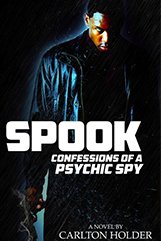
I had hired someone else to format my novel for Kindle. I thought that person knew what they were doing. They did not. After going back and forth over and over and seeing the book still not formatted right, I was desperate. I saw the Word2Kindle ad Online and hired them. They were thoroughly professional and had my book formatted perfectly in a few days. I will use Word2Kindle for my future books. Thanks guys!

Carlton Holder
Author of SPOOK: CONFESSIONS OF A PSYCHIC SPY

Word-2-Kindle was a integral part in getting my 2nd book Framer into publication as it’s formatting was pretty problematic. They saved my book and can certainly do it for yours as well… highly recommended!

Ben Abix
Author of Framer
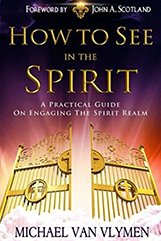
Looks great! You really know what you’re doing.

Michael R. Van Vlymen
Author of How To See In The Spirit
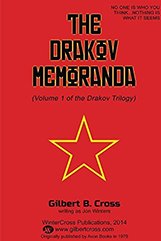
Great work!

Gilbert Cross
Author of Drakov Memoranda
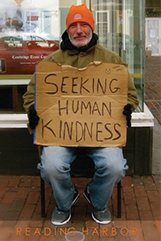
W2K was great for converting two of my books from print to kindle format. I found their service extremely easy to use. Also, I found the price to be very reasonable, especially compared to industry standards. My books are formatted correctly and now selling on Amazon. Thanks so much! I would recommend this service to others and will be back again.

Grace Chen
Author of Seeking Human Kindness
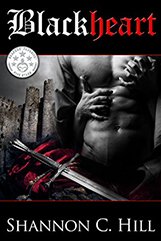
After searching many other companies to transfer my Word Doc to ebook format there was no question that W2K had both the best price (HALF of the quotes I was receiving from their competitors) and the fastest response to my inquiry. Though the cost was key, the latter is the reason I will use them over and over. Their capable, courteous and efficient customer service answered my follow up questions quickly and clearly. They even helped me with a troubleshooting problem I had opening the Mobi file. I felt like I had a friend on my side helping me. I have and will continue to highly recommend them!!

Shannon C. Hill
Author of Blackheart
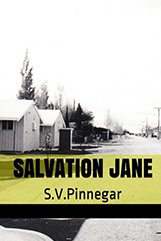
Thank you so much for your patience and professionalism in helping to turn my books Lucy Leader and Salvation Jane into paperbacks through Create Space. There were many editorial errors of my own doing which you corrected perfectly for me. I am now delighted with the finished product and hope to use your services again for my next book, All the best, Stan
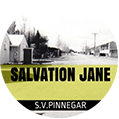
Stan Pinnegar
Author of Salvation Jane
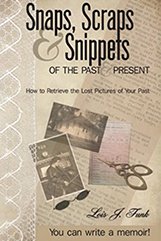
When I first contacted word-2-kindle, I had no idea how great they would be! Under the supervision of Nick Caya, his team of “converters” converted my already-in-print book, SNAPS, SCRAPS & SNIPPETS OF THE PAST AND PRESENT, for both Kindle and Nook. I was so happy with their work that I had them format my next book, LIGHT FOR THE BURNING SOUL, for print, Kindle, and Nook. In each case, Nick worked patiently with me to make sure my books were exactly the way I wanted them. I will have no qualms about contacting him for future books.

Lois J. Funk
Author of Snaps, Scraps & Snippets of the Past and Present
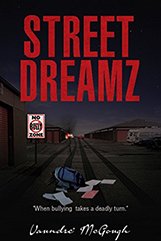
Word2kindle.com is very professional with their work. Their prices are reasonable for any writer. I highly recommend them.

Vaundre’ McGough
Author of Street Dreamz
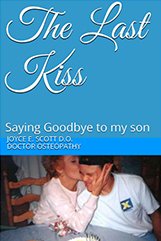

Joyce E. Scott D.O
Author of The Last Kiss: Saying Goodbye to my son
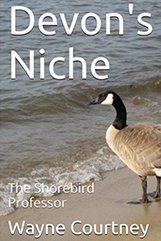
Nick Cara did a good job in editing and formatting my novel for publication. I would recommend this agency to anyone who is in need of the services they offer. They are dependable and produce quality output that meets the requirements of their clients. Book Cover is available on request.

E. Wayne Courtney
Author of Devon's Niche: The Shorebird Professor
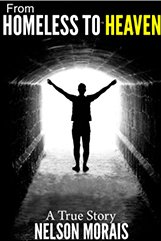
When looking for someone to convert my friends manuscripts I found Nick at word2kindle. The first thing I did was check the reviews and saw that everyone really liked their service, price and quick turnaround. I then decided to try W2K and so glad I did. Not only did the team turn my file around quickly but it looked awesome. They also worked very closely with me being new to the whole process and answered all my questions. Do yourself a favor and don’t look any further! The team at W2K is awesome!

Ken D
Author of From Homeless to Heaven

Very professional,fast and reliable. I will recommend you to all of my friends. Thank you

Alexandra Alexandru
Author of Beyond the State

Thank you guys for not only the excellent product you provided, but for your first-rate customer service as well. Will definitely be using you again and again!

Jay W. Foreman
Author of Bad Medicine: Life Prescriptions from M.D. Hirschberg
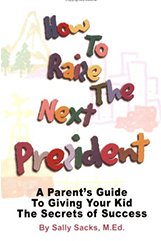
You will be extremely happy with the work these guys do! This is a sure thing!

Jay W. Foreman
Author of How to Raise the Next President
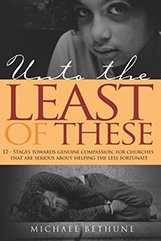
My experience with W2K was outstanding. The service was professional, efficient and timely. I was very pleased with the quality and outcome of my Kindle Book!

Michael Bethune
Author of Unto the Least of These
As good as advertised. The book was formatted properly and quickly accepted by Amazon in a matter of days. I’ll be sending in another one soon.

Gordon Mack
Author of The Assassination File

Thank you so much! The book looks great! I have told friends about your service, hopefully they will contact and use the service.

Michelle Davis
Author of Katie Kay Plays Lady For A Day

The guys and gals at Word-2-Kindle did a good job on my book and, despite much proof-reading, correction, proof-read etc., took it all in their stride and produced a good job. Not necessarily cheap but excellent value for money.

Tom Hunn
Author of Not A Bad Life

W2K made the process very simple and did an excellent job – they have made numerous revisions at my request and make them promptly and free of charge – they also have kept me informed of other available services – I will have another book due out soon and plan on doing business with them again – thank you W2K

S.M. Dyer
Author of GALEON
W2K has always provided me with quality ebook formatting at reasonable prices for both kindle and Smashwords formats.

Rick Chesler
Author of OUTCAST Ops: The Poseidon Initiative
If there was a word which says better than excellent, I?d use it to describe both Nick Caya AND Word-2-Kindle.

Cheap Eddie
Author of Eat Free Live Rent Free in New York
Word2Kindle did my ebook of poetry. Fast, efficient, intelligent, low cost, and good. What planet are they from?

Bill Eberle
Author of Spirit of Fire: The Power of Jesus' Name
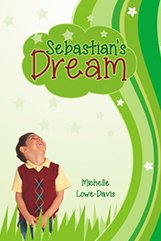
Thank you so much! The book looks great! I have told friends about your service, hopefully they will contact and use the service.

Michelle Lowe Davis
Author of Sebastian's Dream
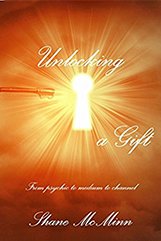
The first time that i used Word to Kindle i took a chance as it was the first time that i had used the company to convert my book but i need not have worried because they did such a fab job that i used them again for my next book. I will be using them again on my next piece of work. Very happy :o)

Shane McMinn
Author of Unlocking a gift : from psychic to medium to channel
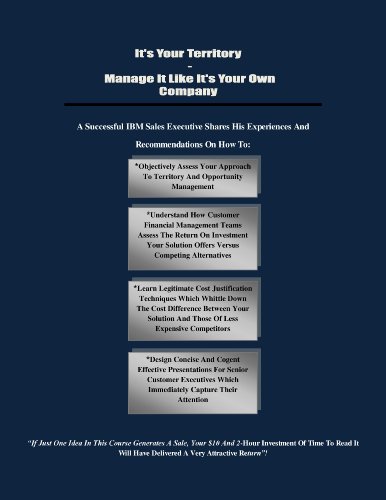
Great Service, Great Pricing Versus Competitors, Had My Ebook Up On Kindle In 2 Days. Thanks So Much
Jim O'hare
Author of It's Your Territory


48 Hour Delivery

Unlimited Revisions

Get Accepted To Amazon. Fast.